Calculation List |
  
|
Calculation List |
|
Last revised: Thursday, January 29, 2026 at 02:12 PM
The Calculation List is the main Project Manager view that you will use when building your calculation sets for projects.
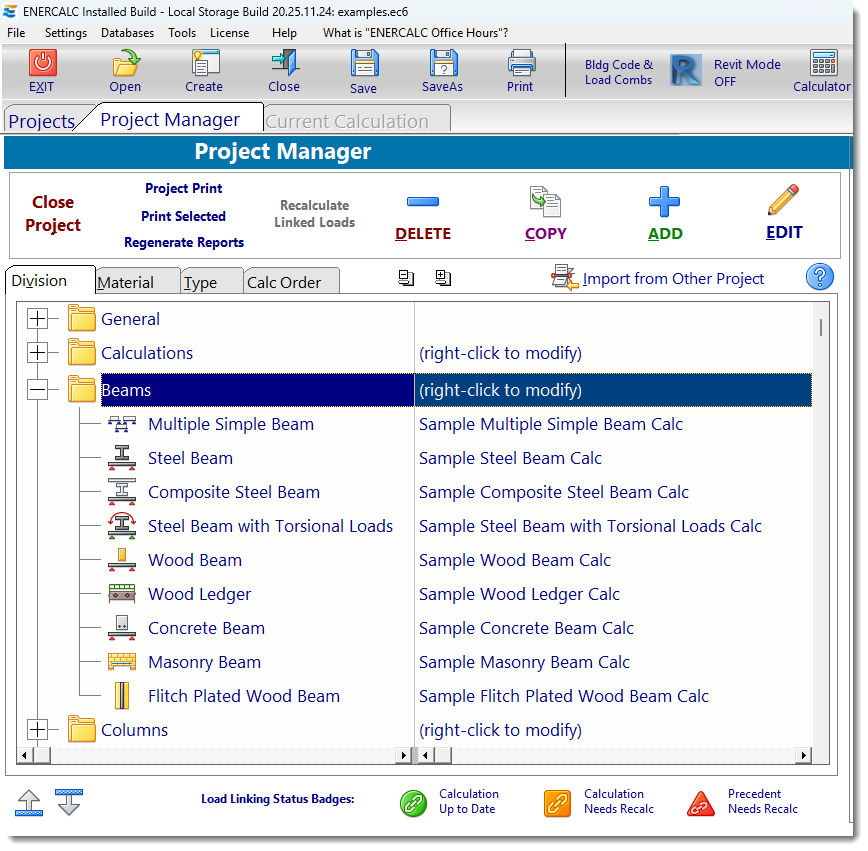
Most of a normal work session consists of adding and editing calculations in the list.
Please see the notes below as well as the following sections to learn what each button provides and how to manage the list of calculations.
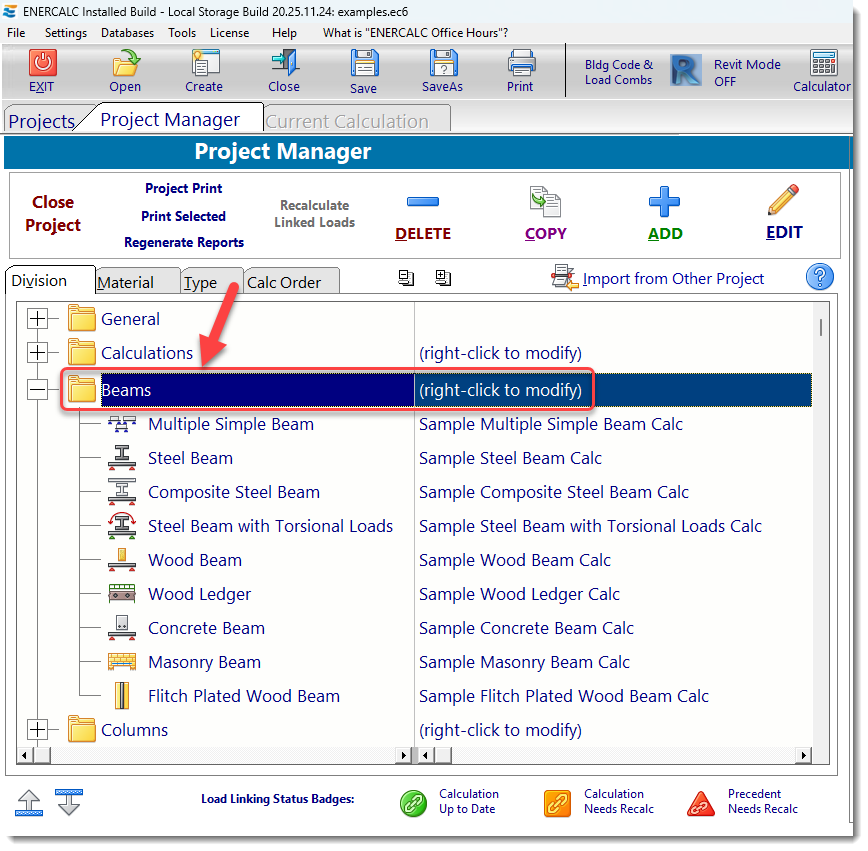
Divisions: Divisions are the main organizational category for calculations. These are the left-most text item in the calculation list and will display either a [+] or [-] to the left of their name. Divisions can be created, copied, renamed, moved, and deleted. Calculations must always exist within a Division, but they can be moved freely between Divisions. Click Here for the specific information section. The screen capture below illustrates an example of how a Division can be renamed with a title that is meaningful to your project:
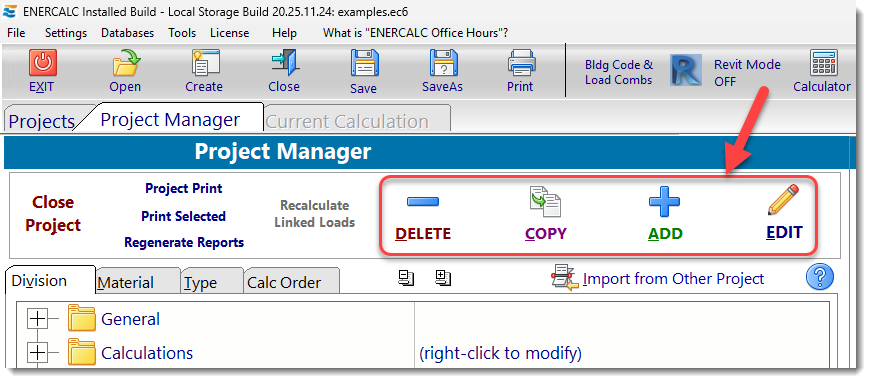
Adding, Deleting, Copying: The four buttons shown below allow you to add, copy, edit, or delete calculations and external items. Click here for the specific information section.
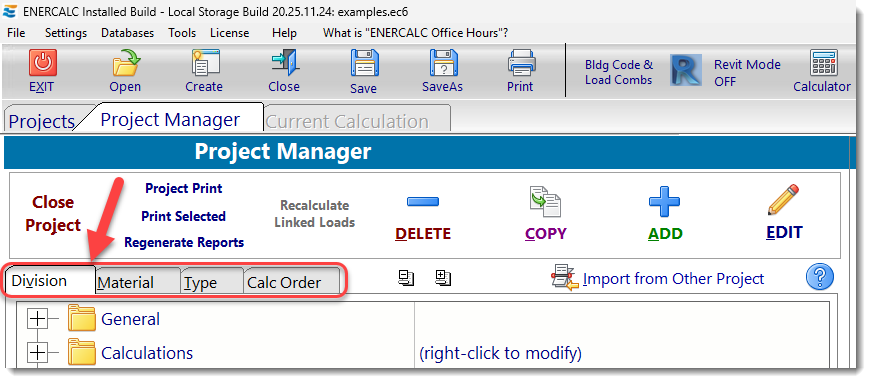
Sorting by Division, Type, Material and Calc Order: Click one of these tabs to change the sorting view of the calculations in your project. Click here for the specific information section.
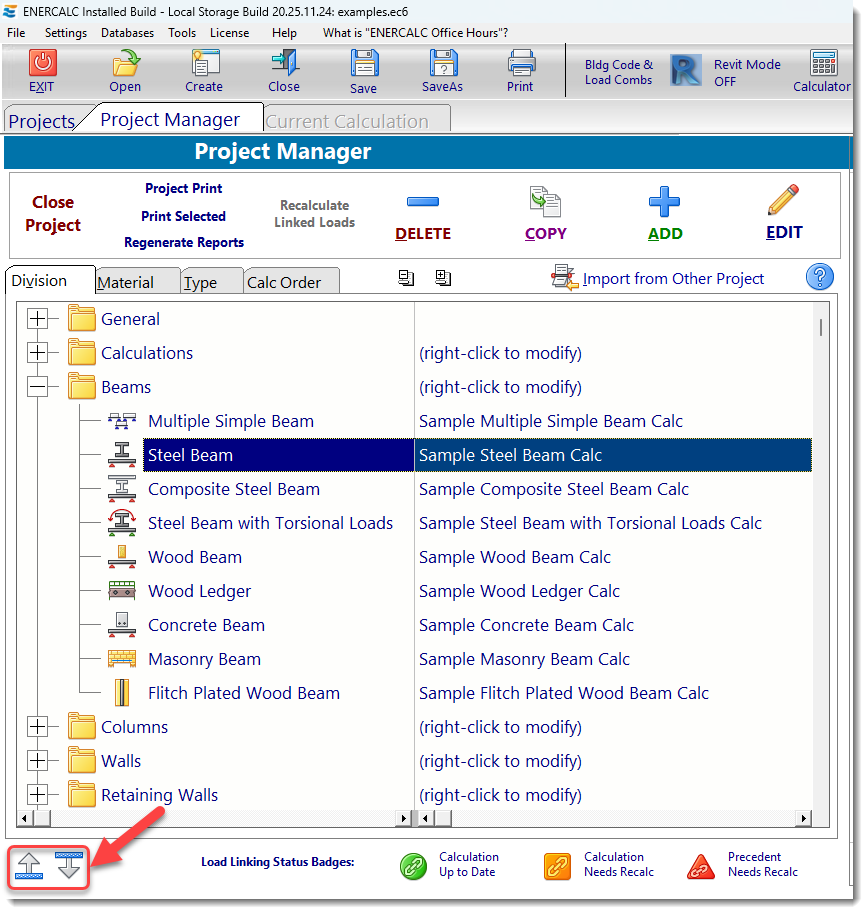
Changing Calculation and Division Order: The buttons you see below are used to move the highlighted calculation or Division up or down in the list. When moving a calculation downward, if moving a calculation would tend to replace a Division name, then the calculation item is moved into that Division. When moving a calculation upward, if moving a calculation would tend to replace a Division name, then the calculation item is moved into the Division above. Click here for the specific information section.
Importing Calculations: Clicking the [Import] button displays the calculation import system.
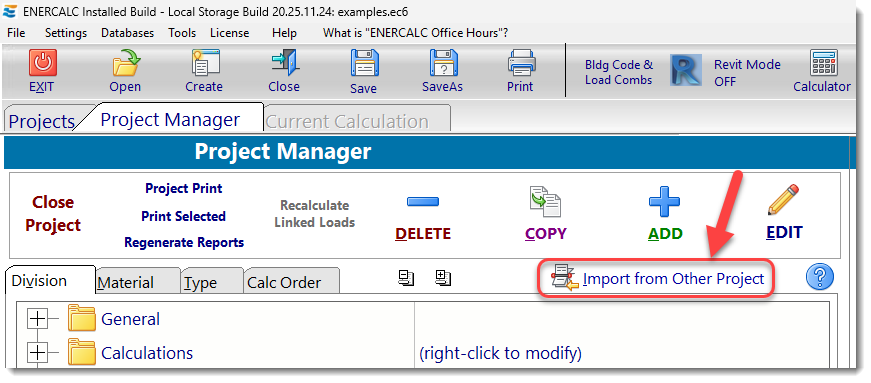
Click here for the specific information section.
 <
<