Purple Regions on Printed Reports |
  
|
Purple Regions on Printed Reports |
|
Last revised: Thursday, March 5, 2026 at 03:42 PM
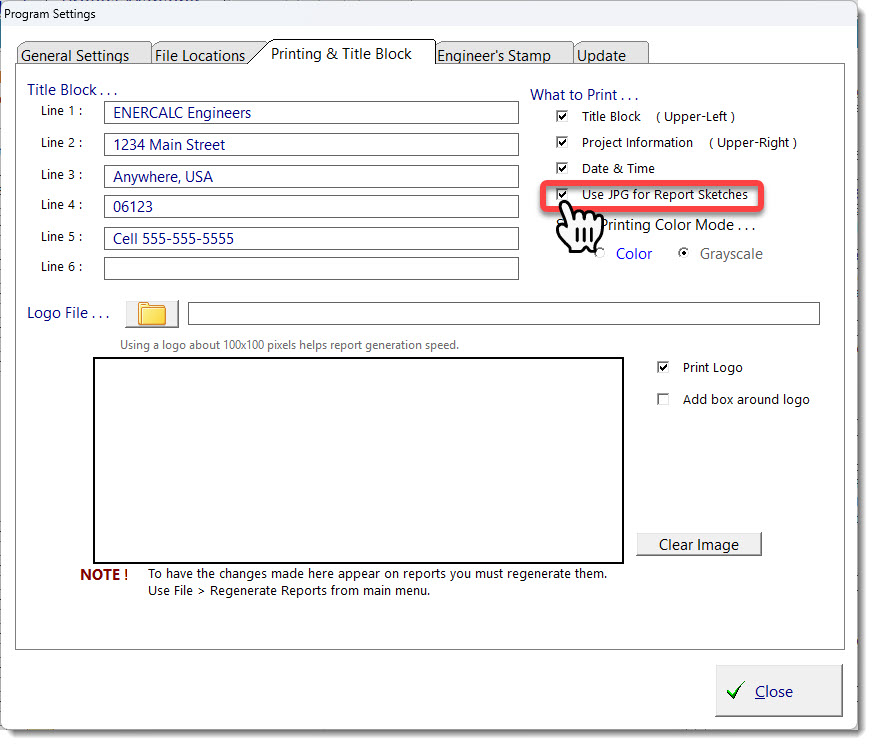
Please click Settings > Printing & Title Block, and select the checkbox shown below and try printing again: