Graphic Scales |
  
|
Graphic Scales |
|
Last revised: Thursday, January 29, 2026 at 02:57 PM
Settings & Tools > Graphic Scales prompts you with the following dialog.
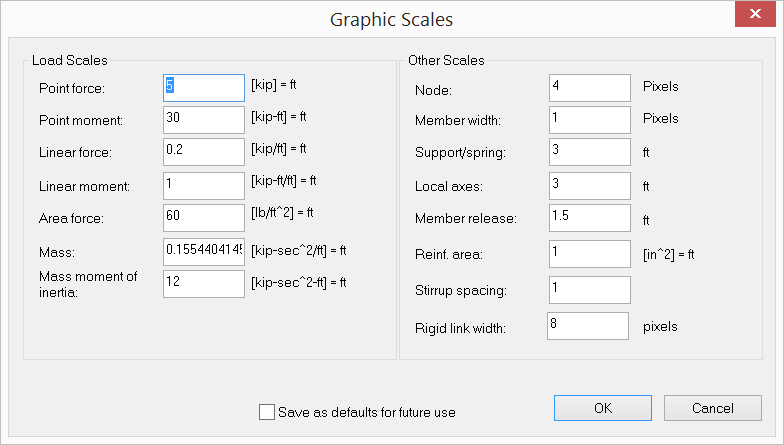
You may set scales for graphical entities such as loads, nodes, supports etc. By “Save as defaults for future use”, these scales will be saved for future use. It is a good idea to save units at the same time. To do that, click Settings & Tools > Units & Precisions.
 <
<