Specifying Favorite Materials & Sections |
  
|
Specifying Favorite Materials & Sections |
|
Last revised: Tuesday, February 24, 2026 at 10:24 AM
How do I set Favorites so "Show Favorites Only" displays the materials and sections I use most?
You can mark items as Favorites in most databases. The process is similar for all. In this example, we’ll use Wood Reference Design Values.
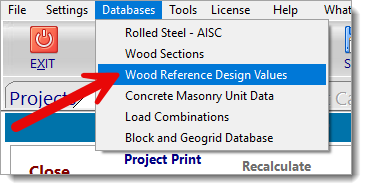
1. Go to Databases and open the database you want to manage (for this example, Wood Reference Design Values).
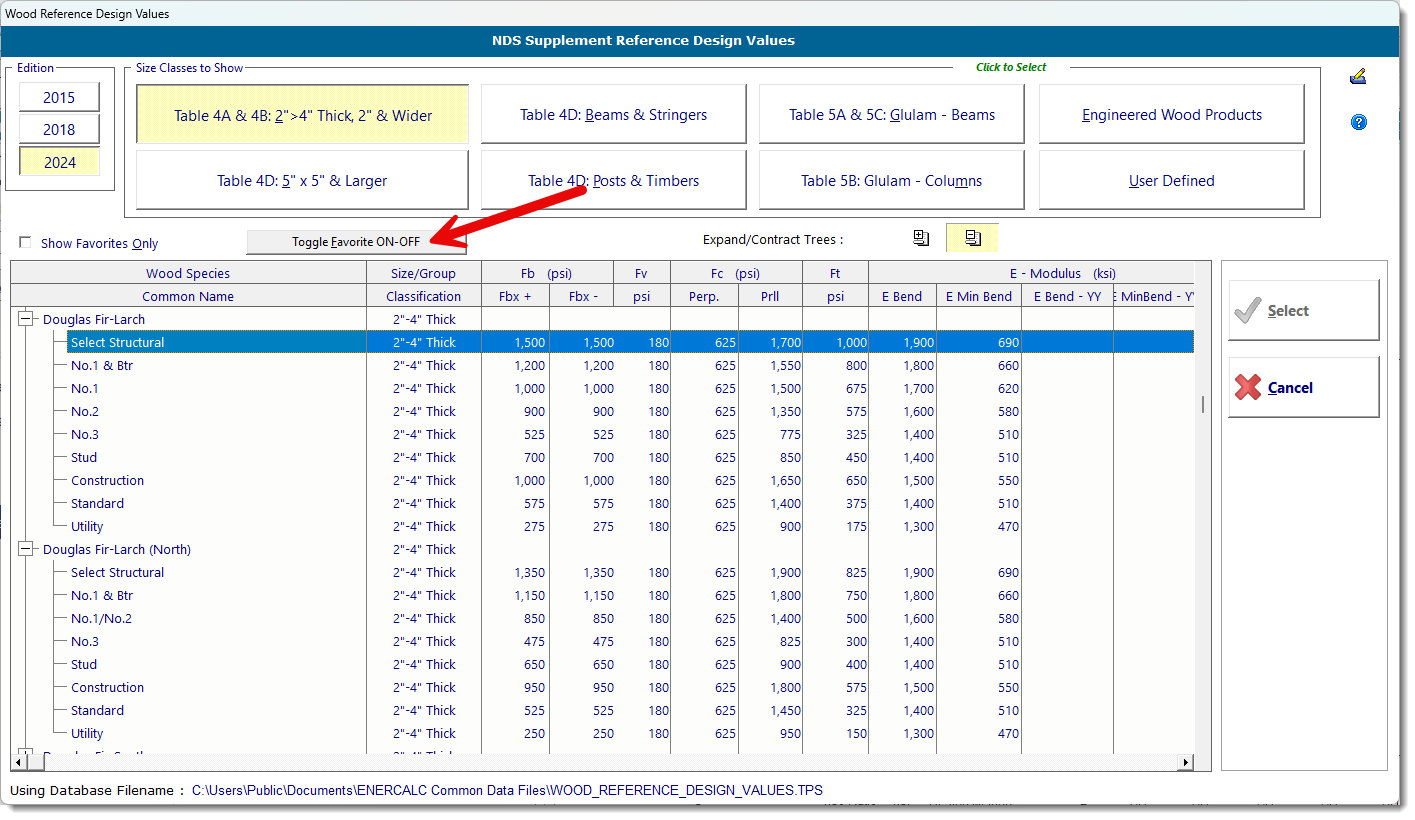
2. Find the species and grade you use most. Select the item and click "Toggle Favorite On-Off."
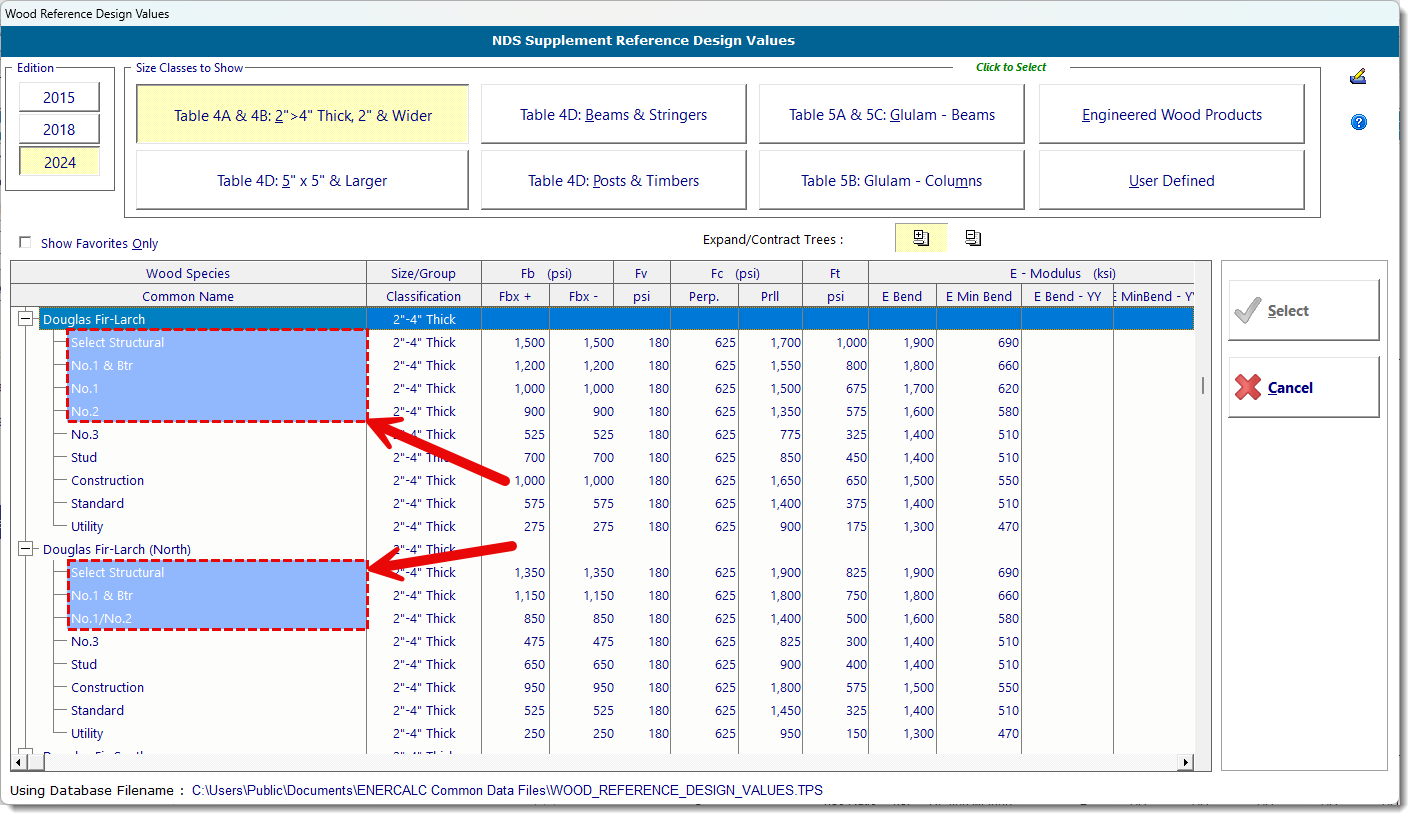
3. Favorites are shaded blue so you can spot them quickly.
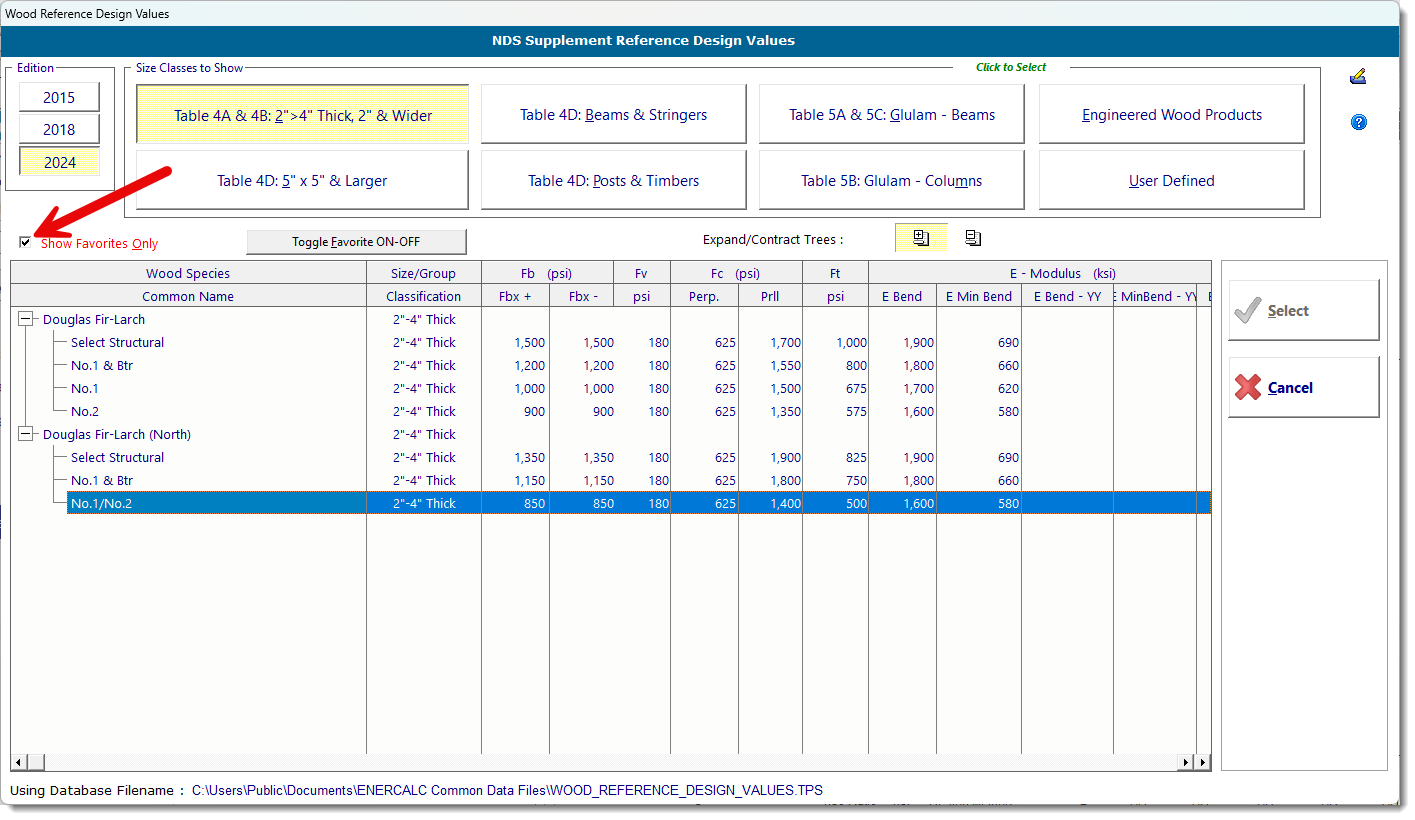
4. Once you’ve marked your selections, return to the sheet and check "Show Favorites Only." The list will now display only the items you flagged.